
For job applications, CVs, and academic websites, it is often useful to display citation metrics such as the total number of citations or the h-index. Whether or not one believes these numbers should play a central role, keeping them up to date is usually preferable to maintaining them manually.
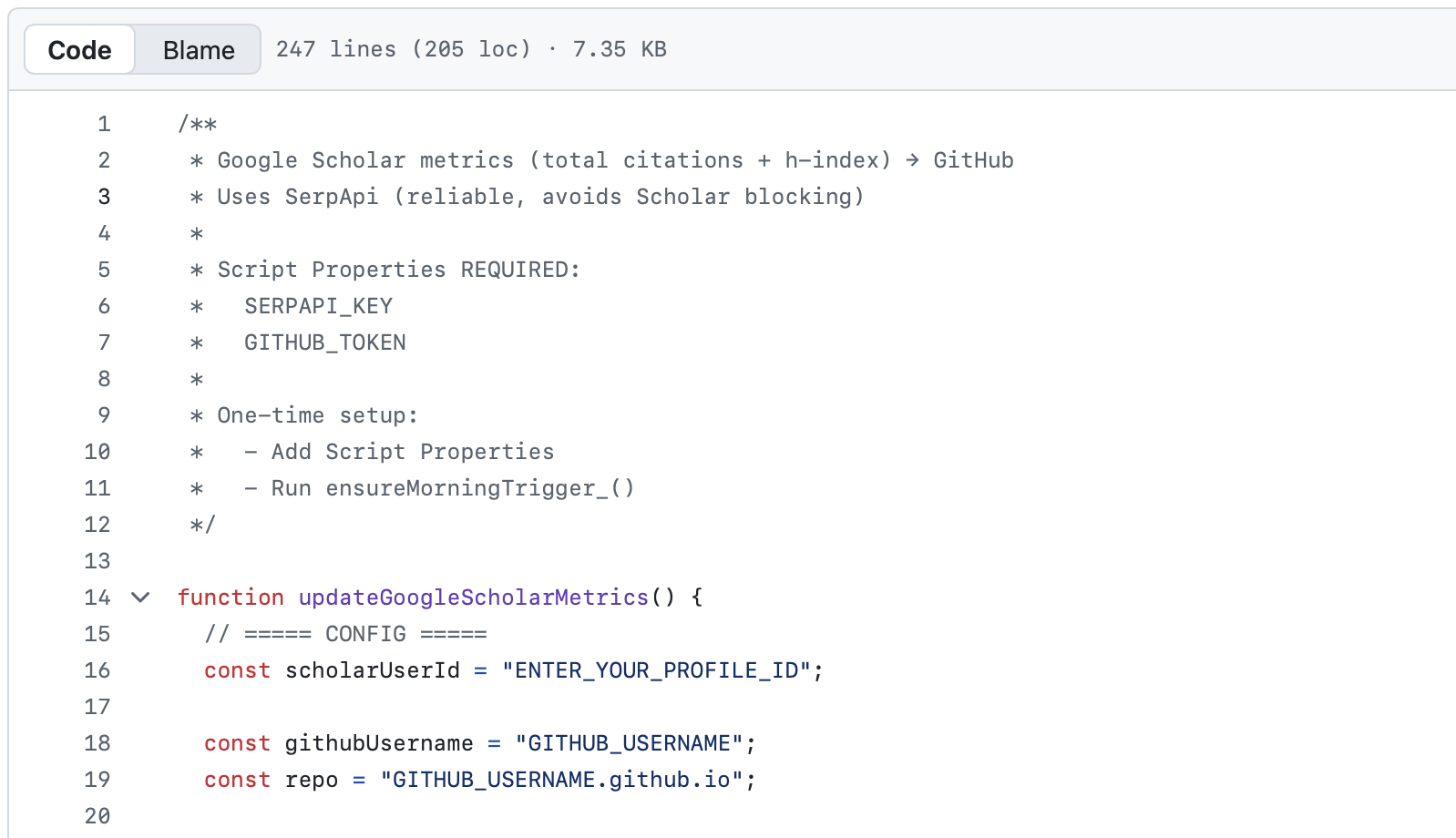
In this post, I describe a setup that automatically retrieves Google Scholar citation metrics and makes them available as simple text files that can be included in LaTeX documents or displayed on a website. The process is fully automated and runs on a regular schedule.
The approach complements our earlier setup for SCOPUS citations and is designed with robustness and low maintenance in mind.
The basic idea
The setup works as follows:
- A Google Apps Script runs on a schedule (e.g. every morning).
- The script queries Google Scholar via the SerpApi service.
- It extracts:
- the total number of citations
- the h-index
- These numbers are written as plain text files to a GitHub repository.
- From GitHub, the files can be:
- downloaded locally and included in LaTeX documents, or
- fetched dynamically by a website (e.g. via JavaScript).
The output files contain only the raw numbers, making them easy to reuse across different contexts.
Why not scrape Google Scholar directly?
Google Scholar aggressively blocks automated requests, especially from cloud environments such as Google Apps Script. Direct scraping tends to be brittle and often fails due to CAPTCHA checks or layout changes.
To avoid this, the setup uses SerpApi’s Google Scholar Author API, which provides structured JSON responses and stable access. This makes the automation reliable and suitable for unattended execution.
What you need
To replicate the setup, you need:
- A public Google Scholar profile
- A GitHub repository (to store the output files)
- A Google account (to run Google Apps Script)
- A SerpApi account (the free tier is sufficient)
- A GitHub personal access token with write access to the repository
What the script produces
On each run, the script updates two files in the GitHub repository:
citations/GoogleScholarTotalCitations_raw.txt
citations/GoogleScholarHIndex_raw.txt
Each file contains a single number, for example:
2444The script includes a simple safety check and will not overwrite stored values if they ever decrease.
Using the output
In LaTeX, the files can be included directly:
(\input{citations/GoogleScholarTotalCitations_raw})
(h = \input{citations/GoogleScholarHIndex_raw})
When using macros, it is advisable to strip trailing spaces:
\newcommand{\addcit}[1]{\input{#1}\unskip}On a website, the files can be fetched client-side and inserted dynamically into the publication list or CV.
Because the files live on GitHub, they can be reused across multiple projects without duplication.
Getting the code
The full Google Apps Script, along with setup instructions, is available on GitHub:
[link to your repository]
The repository also contains a detailed README explaining how to configure API keys, triggers, and permissions.
Final remarks
Once configured, the system runs automatically and requires little to no maintenance. It ensures that citation metrics used in CVs, job applications, or personal websites stay current without manual intervention.